To make your first game with AI, choose one simple action and a clear goal. Describe how the player controls it, then use an AI coding tool to help build a small prototype: a working version you can try. Test the prototype and change one thing at a time.
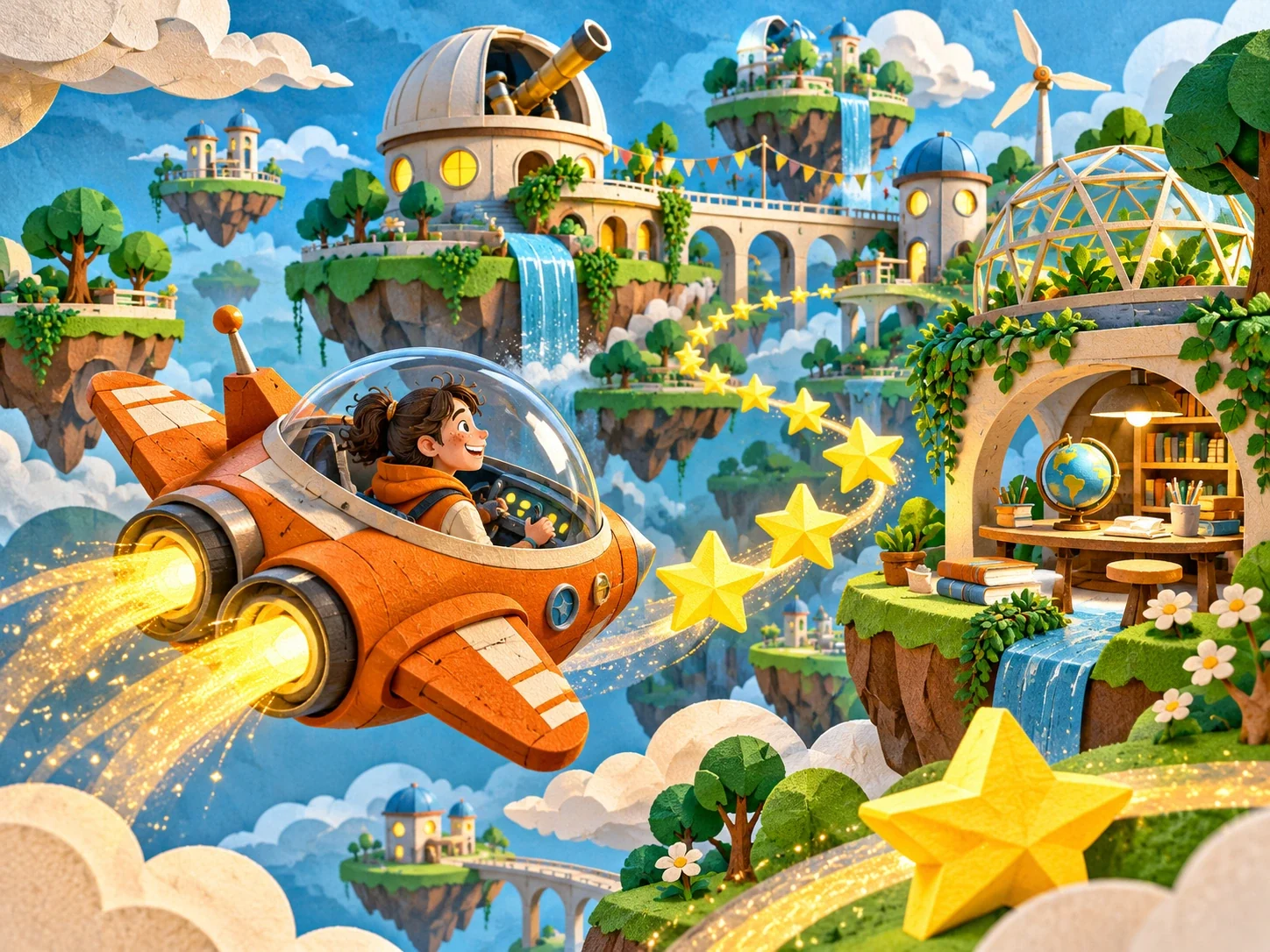
Your game might involve steering a ship through a gap or collecting a falling star. Keep your bigger idea, including the city in the sky and extra places to explore, on a separate page. Start with something small enough to understand and play.
The example below is a starting point for a practice project. It isn't a promise of what any particular tool will produce. Use an age-appropriate tool with the permissions and guidance you need.
What should your first AI-assisted game do?
Give the player one action and one goal. Try completing this sentence: “The player moves ___ to ___.”
For a small space game, you might write: “The player moves a ship left and right to collect a falling star.” That describes an action and a goal. You can sketch it on paper with a rectangle for the screen, a triangle for the ship and a circle for the star.
Leave the shop, extra levels and online scores on a separate ideas page. They can wait while you find out whether the main action is enjoyable.
How do you ask AI to write a simple game?
Describe the player's action, the controls and what should happen on screen. Ask for a small browser-based prototype using simple shapes. Request a plan before any code and a brief explanation of the files it creates. If you're working with a teacher, agree where and how to run the code before trying it.
A starting prompt might be:
Help me plan a simple browser game where the arrow keys move a triangle left and right. A circle falls from the top. When the triangle touches it, the score goes up. Explain the steps before writing code.
Read the proposed steps. If a word is unfamiliar, ask what it means in this game. You should be able to connect the explanation to something you can see happening on screen.
Understand what the game code changes
A game needs a way to respond to input and update what the player sees. MDN's explanation of a video game's structure describes these parts and how they fit together.
In this example, pressing an arrow changes the ship's position. The star's position changes as it falls. When the two shapes touch, the score changes. Those are useful things to identify in the code, even if AI helped write it.
Ask for an explanation of one part at a time. “Where is the ship's speed set?” is easier to investigate than “Explain the whole game.”
How do you test a game made with AI?
Test one behaviour at a time. Write down what you expect before you press a key. Does the ship stop at the edge? Does the score increase once for a catch? What happens when you miss the star?
If something behaves differently, describe what you did and what appeared on screen. That gives an AI tool or a teacher a more useful starting point than “It's broken.” Keep a working copy before accepting a suggested fix.
Change one thing at a time. Try a slower star, then play again. You'll have a better idea of what caused the difference than if you alter several settings together.
One small idea. A game you can play.
Here is the simple prototype from the article. Try it, change the speed and notice what feels different.
Try the paper version below. Enable JavaScript to play in your browser.
Move the ship left and right with the arrow keys or the buttons below. Catch five falling stars. Missing one does not remove your score.
Ready when you are. 0 of 5 stars collected.
Try the slower setting. Is it easier to judge where the star will land? Choose one thing you would change next and explain why.
Try it on paper
Draw a ship and a star on squared paper. Move the ship one square left or right, then move the star one square down. If they meet, count a catch. Repeat with the star moving two squares at a time and compare.
Let someone else have a go
Give your game to someone who hasn't watched you build it. Explain the controls, then let them try. Notice where they hesitate or ask a question.
You might discover that the target is hard to see, the movement feels too fast or the player has no way to restart. Choose one observation to work on next.
When you show the project, talk about that change. “I made the star larger because it was difficult to follow” tells someone more about your work than a screenshot alone. Your first game can stay small while the decisions behind it become more thoughtful.